Accelerometer, gyroscope, magnetometer, light, pressure and the rest. What's My Sensor? lists each one your device has, graphs what it is reading right now, tells you in one sentence what it is for, and puts the motion sensors to work as a spirit level and a compass.
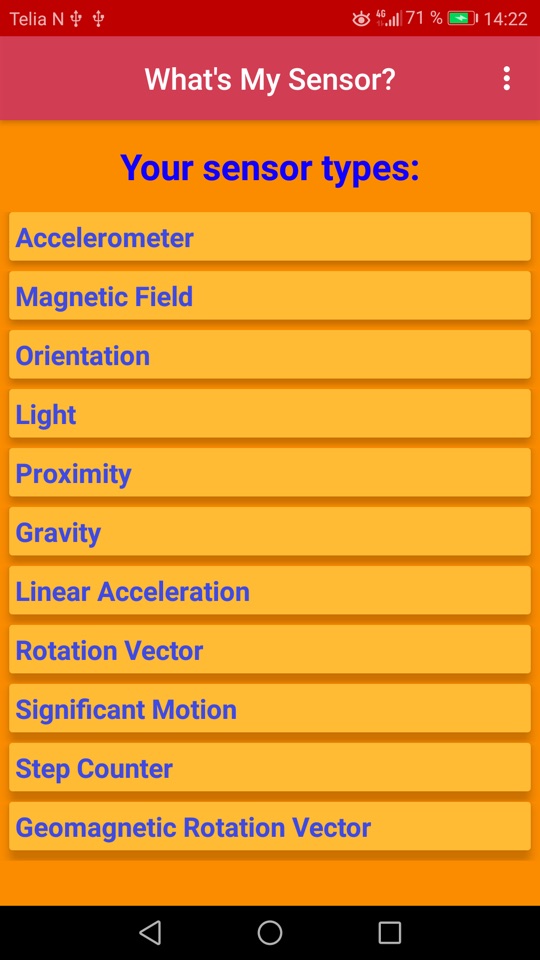
Every hardware sensor your phone reports, grouped into motion, position, environment and the rest. Sensors that only fire when something happens are listed too, waiting, and the ones apps are not allowed to read are gathered at the bottom with a note saying why.
Tap a sensor for a screen of its own: what it measures in one sentence, and what your phone says about the part itself. Even a manufacturer's own sensors, like a Samsung's pocket detection or back tap, get a best guess at what they do.
No permissions, no network access, no ads and no analytics. Readings are drawn on screen and never stored or sent anywhere. The app is a window into your hardware, and nothing else.
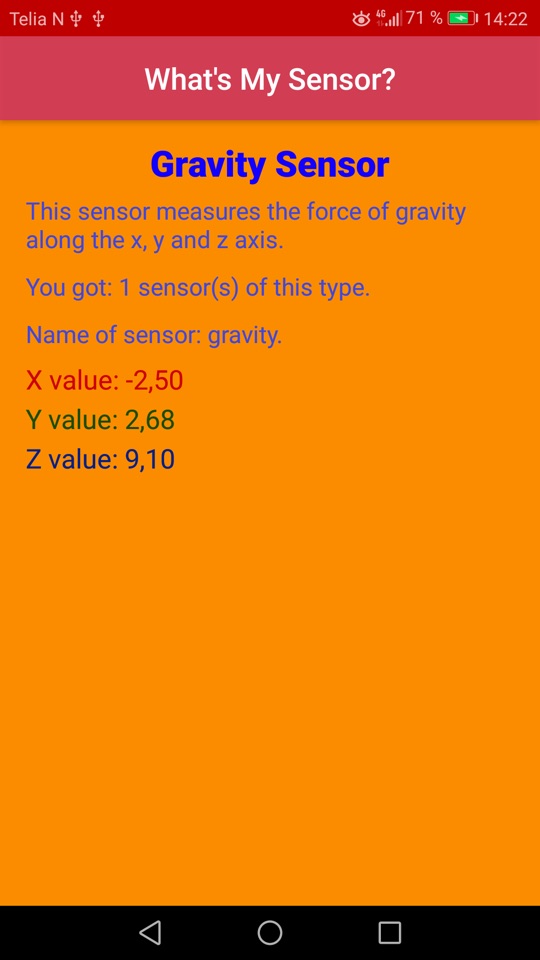
Every sensor gets a live graph, one line per axis, with the lowest and highest value it has reached. Pause it to read a peak off, or reset it and measure again: a knock on a table, a shake, the bump of a lift starting.
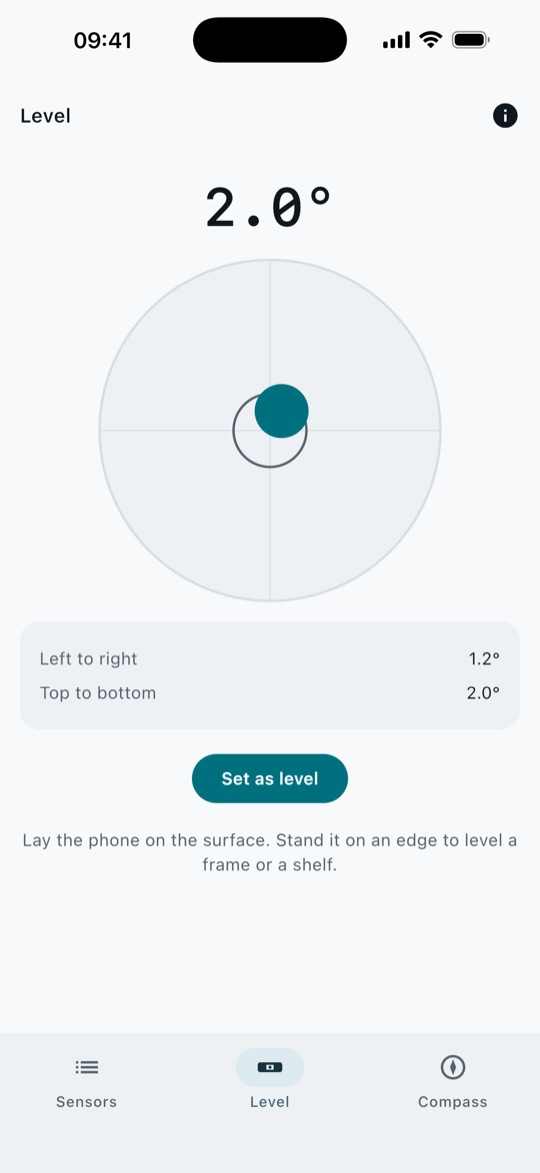
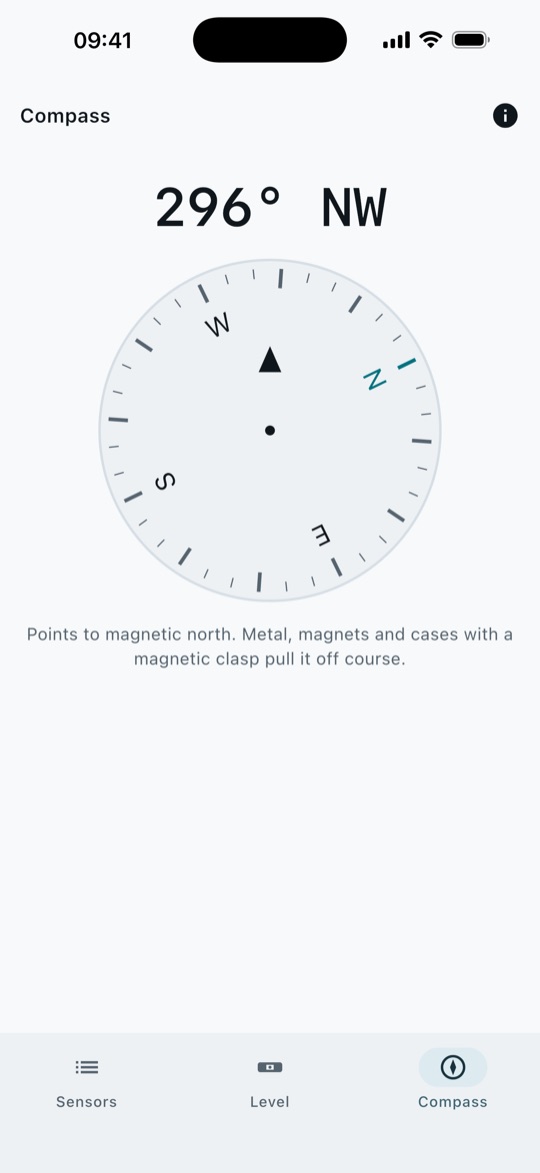
Lay the phone on a shelf and a bubble shows which way it slopes. Stand it on an edge to hang a picture straight, or set any surface as your own level. The compass rides on the phone's own sensor fusion, the same source as the system compass, and points to magnetic north without asking for your location.